
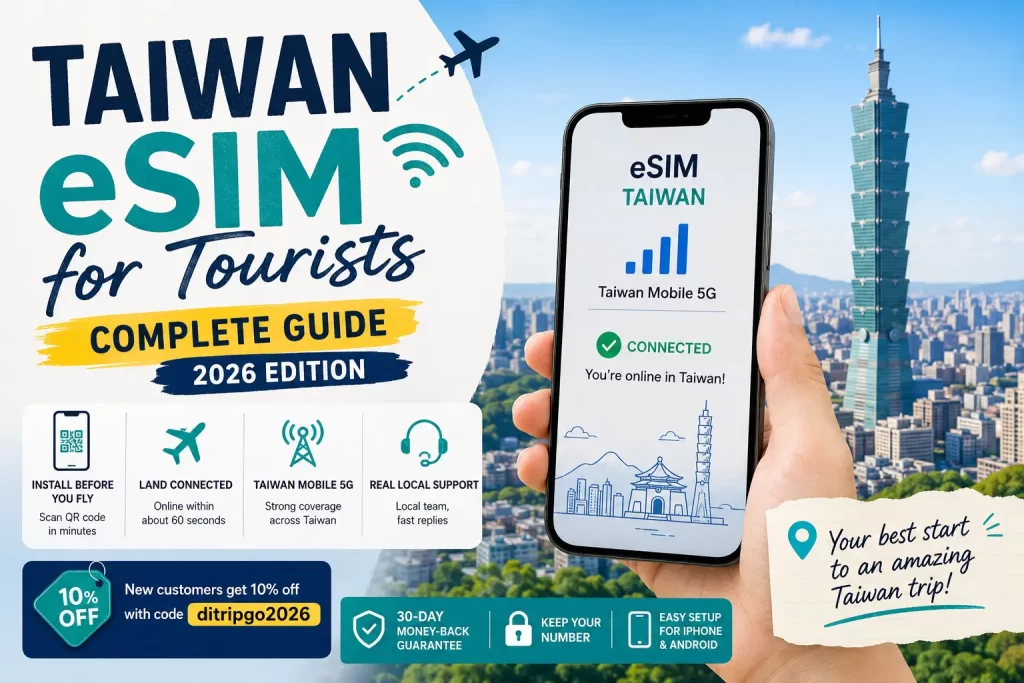
For most travelers, an eSIM is the easiest way to get online in Taiwan: you install it before you fly, land connected within about 60 seconds, and skip the airport SIM queue entirely. This guide covers everything a first-time visitor needs: what an eSIM is, whether your phone supports it, how to pick the right plan, how to install it, and what to do if anything goes wrong.
What is a Taiwan eSIM and why use one?
An eSIM is a digital SIM built into your phone. Instead of swapping a physical card, you scan a QR code and a Taiwan data plan is installed. The moment you land, you turn it on and you are online. No queue, no fiddling with a tiny plastic card, and your original number stays on the phone. For a short trip, it is the simplest option by far.
Does my phone support eSIM?
Two things need to be true: your phone must support eSIM, and it must be carrier-unlocked. Quick check: dial *#06#. If you see an EID number, your phone is eSIM-ready. As a rough guide, iPhone XS and newer, Samsung Galaxy S20 and newer, and Google Pixel 3 and newer all support eSIM. If you are unsure, our team can confirm your exact model for free.
How do I choose a Taiwan eSIM plan?
Two decisions: unlimited or fixed data, and how many days. If you rely heavily on maps, ride-hailing and social media, unlimited data is the least stressful. If you are a light user, a fixed data plan is cheaper. For days, just match your actual trip length. Here is how DiTrip’s Taiwan plans look as a reference:
| Trip length | Plan | From (USD) |
|---|---|---|
| 3 days | Unlimited | $13 |
| 5 days | Unlimited | $19 |
| 7 days (most popular) | Unlimited | $30 |
| 10 days | Unlimited | $35 |
| Light users | 5GB / 10GB / 20GB | from $12 |
Not sure which is best for you? See our honest breakdown in What is the best eSIM for Taiwan?
How do I install and activate a Taiwan eSIM?
- Buy your plan and receive an install QR code.
- Before you fly, scan the QR code on wifi to install the eSIM (it will not activate yet).
- When you land in Taiwan, turn on data roaming for that eSIM and it connects automatically.
- If it does not connect, toggle airplane mode once or select the carrier manually.
Step-by-step with screenshots for iPhone and Android is here: Taiwan eSIM installation guide.
eSIM, SIM card, or pocket wifi?
If your phone supports eSIM, use it. It is the least hassle. A physical SIM card works if your phone is not eSIM-ready, but you have to swap cards. Pocket wifi suits groups sharing one connection, but you have to charge it and return it. More detail: Do you need a SIM card in Taiwan?
What if my eSIM does not work when I land?
This is the number one worry, and it is why local support matters. A good Taiwan eSIM comes with a money-back guarantee and real people who can help if something looks off. With DiTrip you are covered by a 30-day money-back guarantee, and our team actually lives in Taiwan, so you are never stuck with no one to ask.
Frequently asked questions
Can I use the eSIM the moment I land?
Yes. Install it before you fly, then turn on data roaming when you arrive. It usually connects within a minute.
Does an eSIM give me a Taiwan phone number?
Most travel eSIMs are data only, no local number. You can still call and message over LINE, WhatsApp and similar apps.
When should I buy?
Any time before your trip. Install a day or two before you fly so everything is ready.
Ready to land in Taiwan already online?
Get set up before you fly and connect within 60 seconds of landing, on Taiwan Mobile 5G with real local support. New customers get 10% off with code ditripgo2026. See plans here: DiTrip Taiwan eSIM plans.